How to Measure Marketing Campaign Performance
Learn how to track marketing campaigns end to end — from UTM parameters and conversion events to reading the results — so you can prove which channels actually drive outcomes.
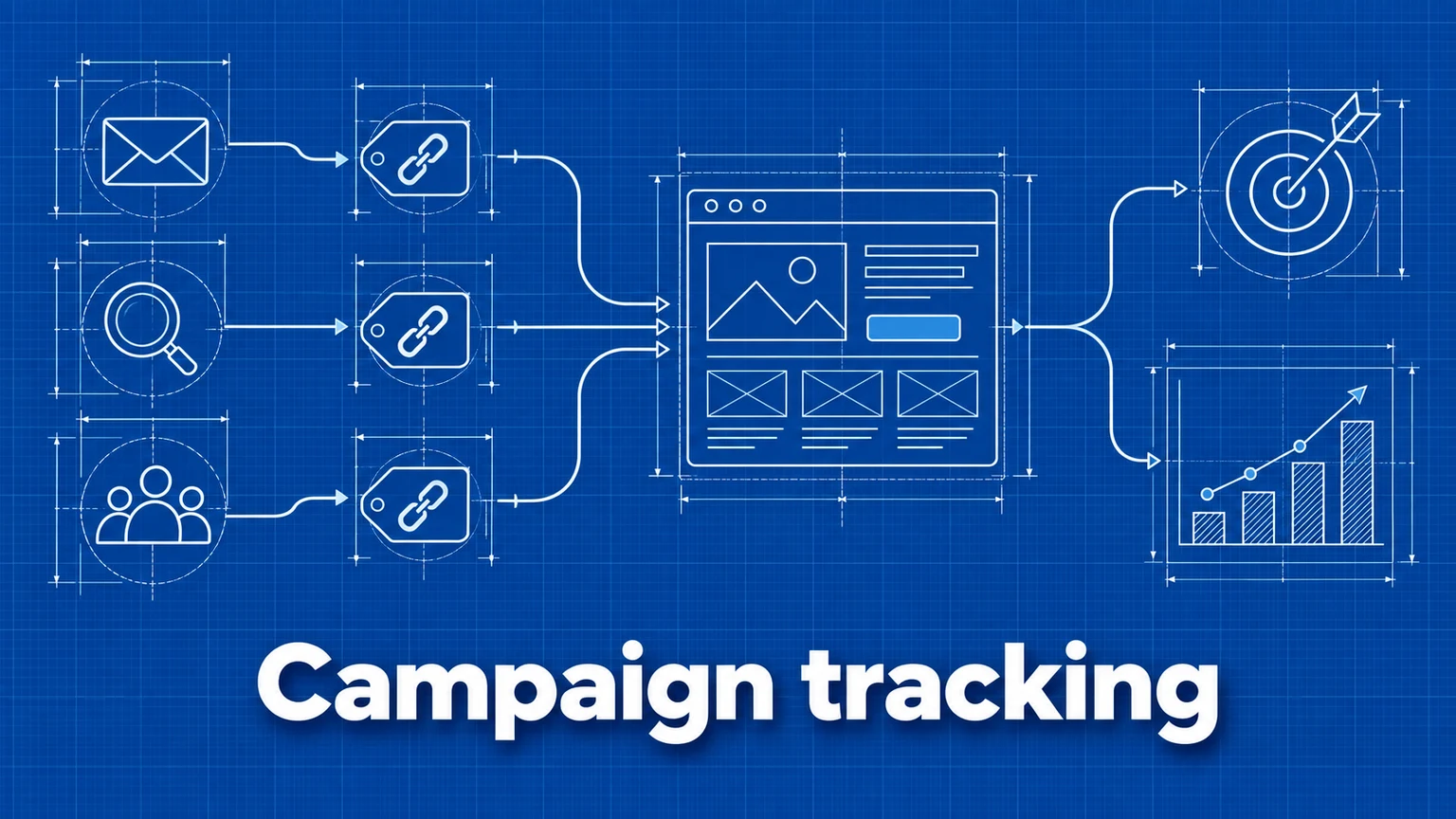
Campaign measurement answers one question: which of your marketing efforts actually produce results on your website? Clicks and impressions in an ad platform tell you a campaign generated attention. Only your own website data can tell you whether that attention turned into signups, purchases, or leads.
This guide walks through a complete campaign measurement setup: defining objectives, tagging links, tracking conversion events, and interpreting the results. The examples use Umami, but the workflow applies to any analytics tool that captures UTM parameters and custom events.
Two systems, two jobs
A common mistake is expecting one tool to measure everything. In practice, campaign measurement is split across two systems that complement each other:
- The media platform (Google Ads, your email tool, a social scheduler) measures delivery: spend, impressions, clicks, CTR, open rates. Keep using it for those metrics — your website never sees an ad impression.
- Your website analytics measures outcomes: which visitors arrived, what they did, and whether they converted.
The bridge between the two is the tagged link. When a click carries campaign information in its URL, your analytics can connect the arrival to the campaign that produced it.
Step 1: Define the campaign objective
Before tagging anything, write down what the campaign is supposed to cause. A useful objective is an action a visitor takes on your site, for example:
- SaaS: account signup, trial start, demo request.
- Ecommerce: completed checkout, add to cart.
- Content or media: newsletter subscription, repeat visit.
- Lead generation: form submission, contact request.
Each objective should map to something measurable — either a page view (such as a thank-you page) or a tracked event (such as a signup button click). If you can't state the objective as a measurable action, you won't be able to evaluate the campaign later.
Step 2: Add UTM parameters to every campaign link
UTM parameters are query-string fields appended to a URL that identify the traffic source:
Without UTMs:
https://website.com/

With UTMs:
https://website.com/?utm_source=newsletter&utm_medium=email&utm_campaign=sales
Umami automatically captures UTM parameters on incoming traffic — no configuration required. You can review the data in your dashboard or build a dedicated UTM report.

Naming conventions matter more than the tags themselves
UTM data is only as good as its consistency. utm_source=Facebook, utm_source=facebook, and utm_source=fb are three different sources in your reports. Agree on conventions before launch:
- Lowercase everything. Analytics tools treat UTM values as case-sensitive strings.
utm_source: where the link lives (google,newsletter,linkedin,partner-acme).utm_medium: the channel type (cpc,email,social,affiliate,referral).utm_campaign: the initiative (spring-sale-2026,launch-v3).utm_content(optional): the specific creative or placement, useful when one campaign contains several ads or several links in one email.- Keep a shared spreadsheet of the values your team uses, and reuse it for every campaign.
These conventions apply across paid ads, email sequences, organic social, affiliate links, and partner placements. The channels differ; the tagging discipline is the same. Google offers a free campaign URL builder if you prefer generating links with a form.
Step 3: Track conversion events on the destination page
If your objective is a page view, no extra work is needed — analytics tools record page views automatically. For action-based objectives, the destination page needs event tracking so you know how many campaign visitors clicked the signup button, downloaded the file, or submitted the form.
In Umami there are two ways to record an event. With a data attribute:
<button data-umami-event="signup" data-umami-event-plan="free">
  Create Account
</button>
Or with JavaScript:
umami.track('signup', { plan: 'free' });
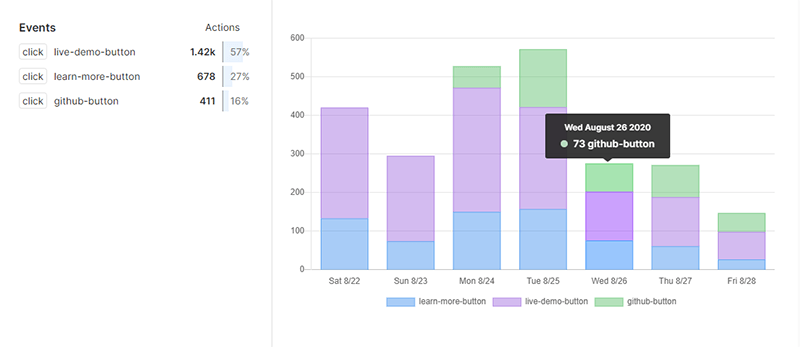
Use one stable event name per action (signup, not signup-spring-campaign) and put the variable detail in properties. The campaign itself is already identified by the UTM data on the session, so you don't need to encode it in the event name. For a deeper treatment of event design, see the conversion tracking guide.
Step 4: Read the results
Once UTMs and events are in place, evaluation happens in two places: dashboards and reports.
Your dashboard gives a quick snapshot of which events are firing. Without filters it shows all events across all pages, so filter down to the campaign traffic you care about.

Filters let you slice the data by UTM values, page, referrer, and more — for example, "show me signups from visitors where utm_campaign is spring-sale-2026."
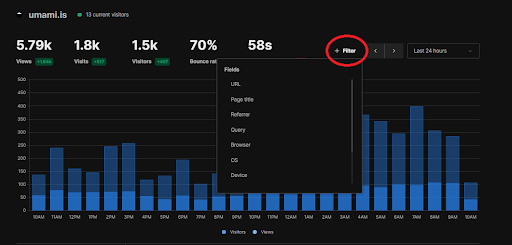
For recurring analysis, build a saved report instead of re-applying filters. Umami's report types cover the main campaign questions:
- UTM: which sources, mediums, and campaigns drive traffic.
- Breakdown: segment any metric by campaign, referrer, country, or device.
- Funnel: where campaign visitors drop off between landing and converting.
- Retention: whether campaign visitors come back.

Worked example: a landing-page campaign
Suppose you run an email sequence driving traffic to a dedicated landing page at /spring-offer, with a "Get Started" button tracked as a signup event.
- Filter by URL to view metrics for
/spring-offeronly: visitors, bounce rate, visit duration. - Break down by UTM parameters to see how people arrived — which email in the sequence (
utm_content=email-2), and which channel, drove the visits. - Filter events to count how many of those visitors triggered
signup. - Compute the conversion rate per segment: signups from
email-2visitors divided by visitors fromemail-2.
Now you can report per-channel results with real numbers behind them: "Email 2 sent 1,200 visitors at a 4% signup rate; the LinkedIn ads sent 800 visitors at 0.9%." That's the evidence you need to shift budget toward what works — and to ask for more budget with a defensible number attached.
Know the limits of campaign data
Campaign tracking is powerful but not omniscient. Keep these limitations in mind when presenting results:
- Not every visit carries campaign data. Untagged links, dark social shares, and stripped referrers all land in "direct" traffic. Your tagged campaigns are a lower bound, not a complete picture.
- Last-touch bias. A visitor who saw three campaigns converts under the UTM of the last one they clicked. Use an attribution report to examine first-click versus last-click credit before declaring a channel worthless.
- Correlation is not incrementality. A campaign that "drove" 100 signups may have reached people who would have signed up anyway. Comparing against a pre-campaign baseline (see website traffic analysis) helps, but only an experiment proves incrementality.
Common mistakes
- Inconsistent UTM values.
Email,email, ande-mailfragment your reports into segments too small to act on. Consequence: you underestimate every channel. Remedy: a shared naming sheet and lowercase-only values. - Tagging internal links. Adding UTMs to links between pages on your own site overwrites the visitor's original campaign data mid-session. Consequence: campaigns appear to convert worse than they do, and self-referrals inflate. Remedy: only tag links that live outside your site.
- Measuring clicks instead of outcomes. Reporting the ad platform's click count as campaign success. Consequence: budget flows to campaigns that generate cheap clicks and no conversions. Remedy: always pair platform metrics with onsite conversion events.
- No conversion event on the landing page. Traffic arrives, but nothing downstream is measured. Consequence: you can only report visits, and the campaign review devolves into guesswork. Remedy: verify the event fires before the campaign launches, not after.
Frequently asked questions
Do I need UTM parameters if my analytics tool already shows referrers?
Yes. Referrer data tells you which site a visitor came from, but not which campaign, email, or ad placement. Many channels — email clients, mobile apps, and messaging tools — strip referrer information entirely, so UTM parameters are often the only reliable way to attribute that traffic.
Why do my ad platform numbers differ from my website analytics?
Ad platforms count clicks; your website analytics counts arrivals and sessions. Users can click and abandon before the page loads, block trackers, or click multiple times. The two systems measure different things and will never match exactly. Use the ad platform for spend and click metrics, and your onsite analytics for what happens after the click.
What is the difference between campaign tracking and attribution?
Campaign tracking records which campaign brought a visitor to your site. Attribution assigns credit for a conversion across the touchpoints that preceded it. Campaign tracking is the data collection step; attribution is the analysis step.
Umami is an open-source web and product analytics platform. Set up tracking in minutes and measure traffic, events, funnels, and retention without cookies.
Related documentation
Related guides
A Practical Guide to Website Conversion Tracking
How to define conversions, choose between page-based and event-based tracking, name events well, and calculate conversion rates you can trust.
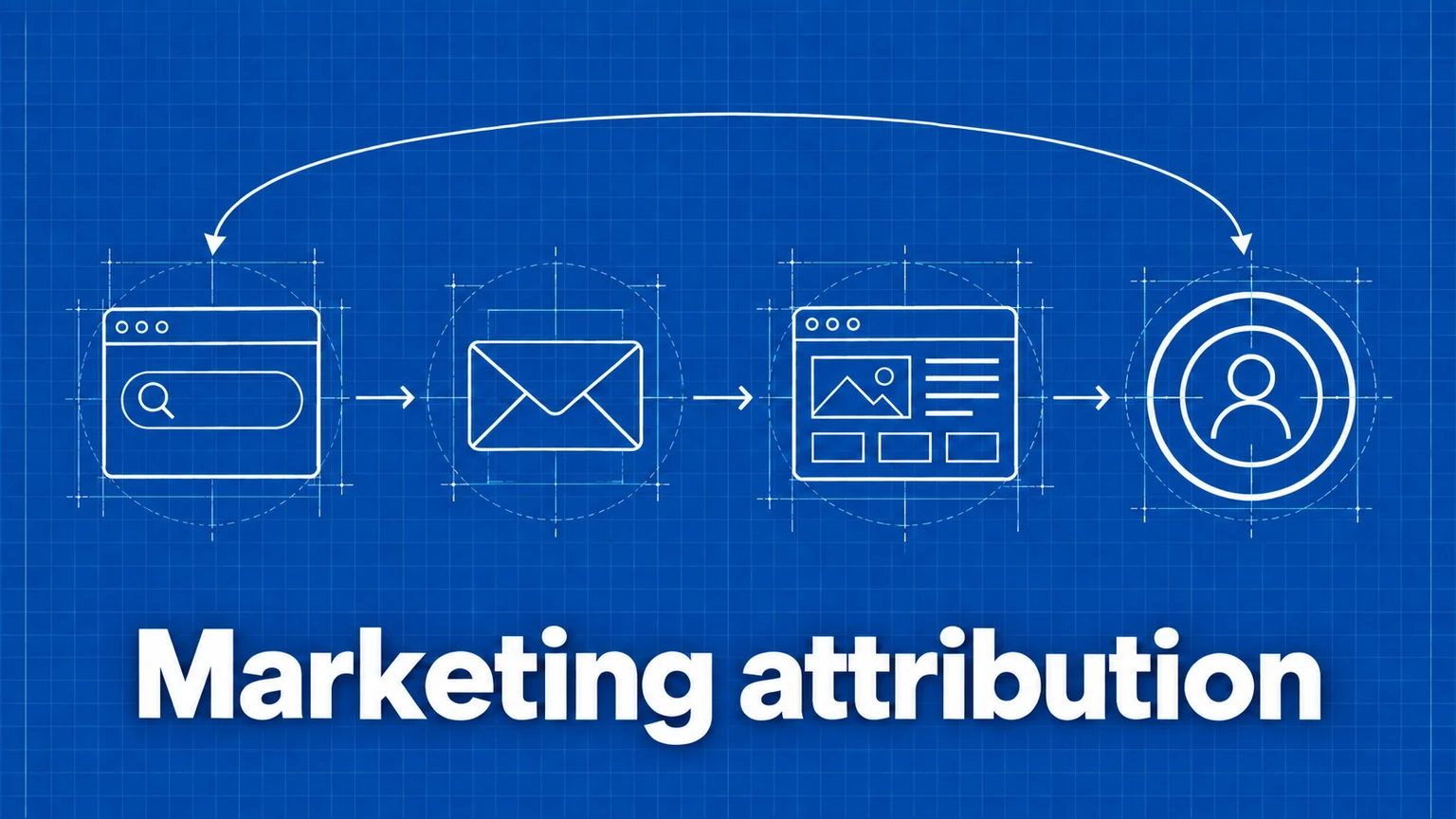
Marketing Attribution: First Click, Last Click, and Traffic Sources
How attribution models assign credit for conversions, what referrer and UTM data can and cannot tell you, and how to read attribution reports without fooling yourself.
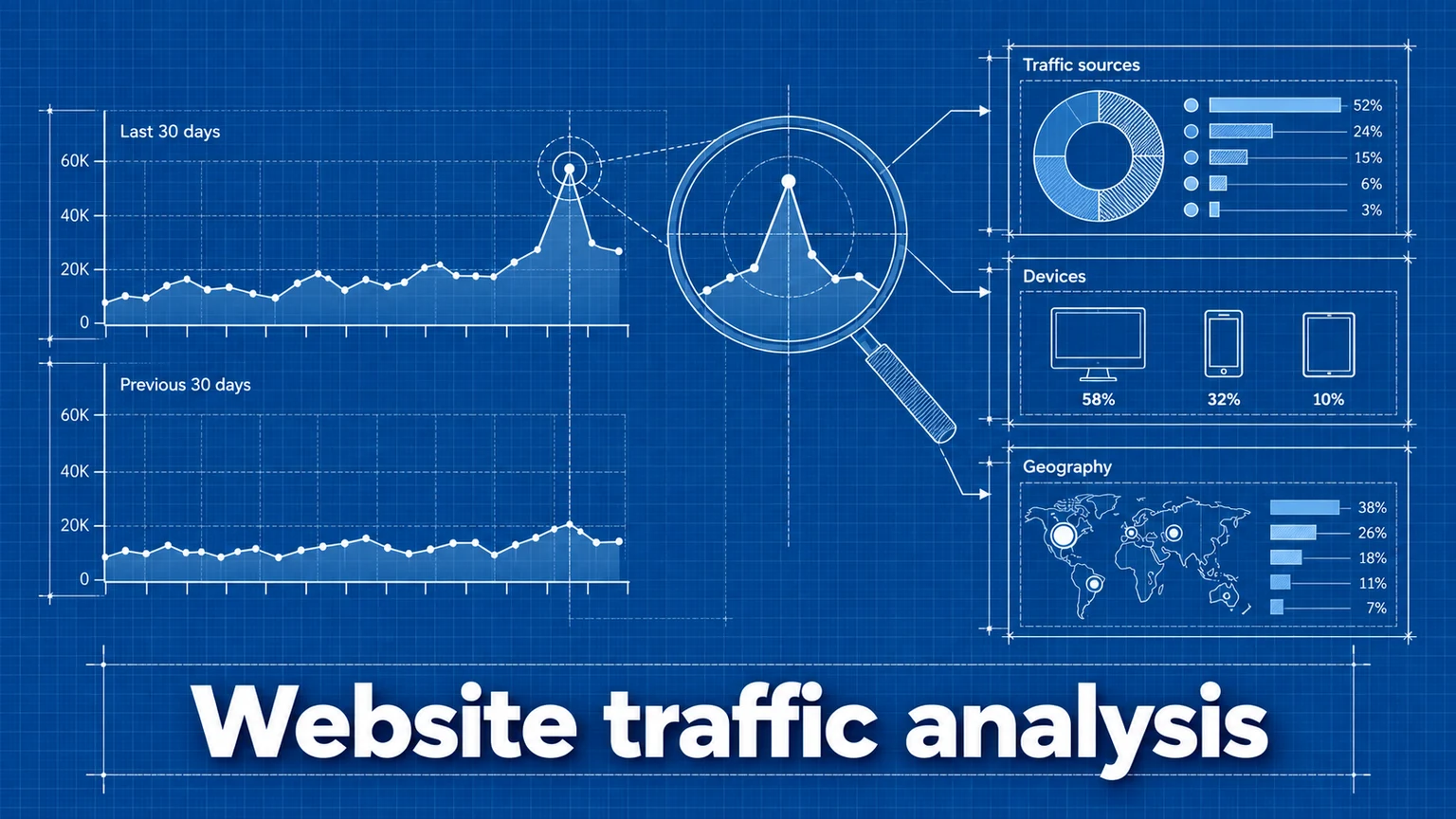
How to Analyze Changes in Website Traffic
A practical method for comparing traffic across time periods, separating real changes from seasonality and measurement artifacts, and finding what actually caused a spike or a drop.