Teams
Using teams
Umami teams allow organizations to group websites, users, and resources under a shared workspace for easier management and collaboration. This structure improves organization, access control, and visibility.
Roles
Team roles and related permissions.
- Team Owner: All permissions.
- Team Manager: All permissions except deleting the team.
- Team Member: All permissions except deleting or updating the team.
- View Only: View only.
Team access
There are two methods to access a team.
Method 1: Navigate to Teams and click on the team name under the Name column.
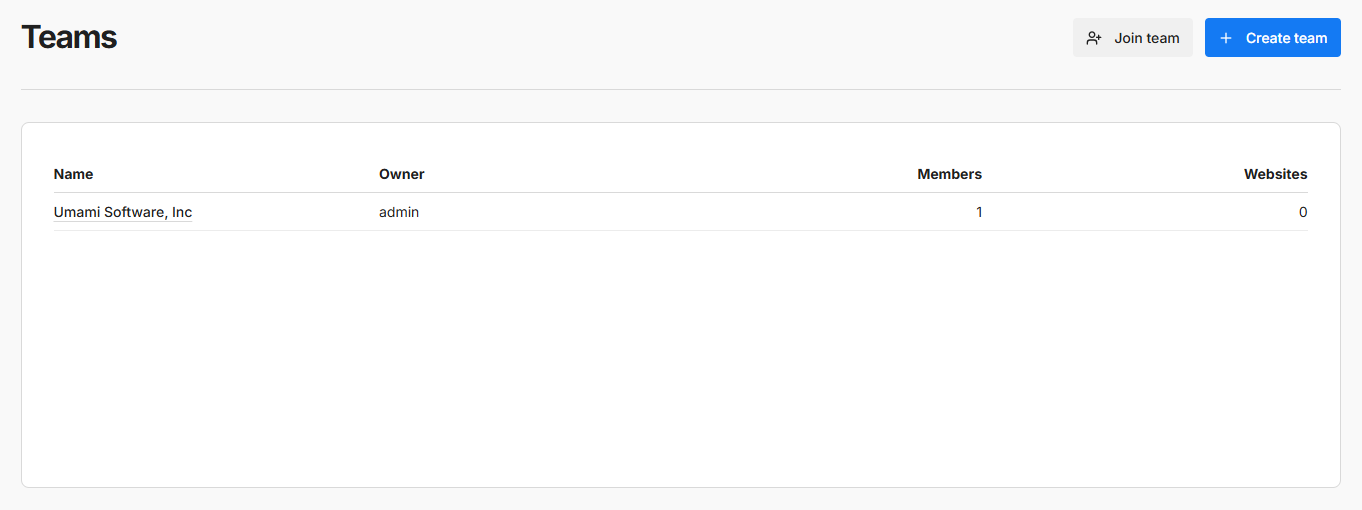
Method 2: Use the quick team access dropdown from the Umami navbar.
