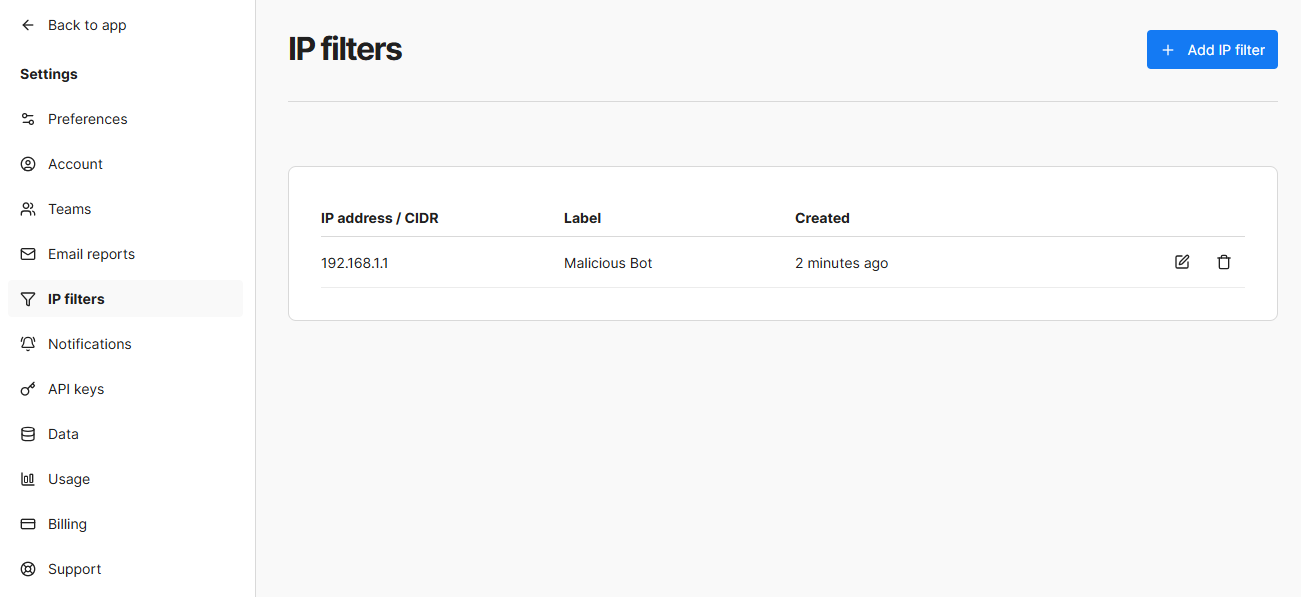
IP Filters
Umami allows blocking specific IP addresses or ranges, so you can filter incoming traffic and prevent unwanted or malicious connections. IP Filters is available starting at the Pro plan.
Add a IP filter
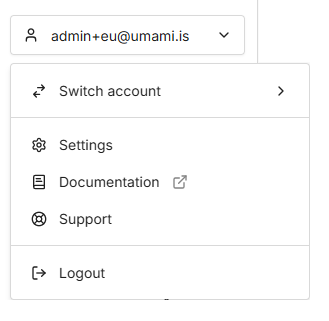
Log into Umami and click on the side nav dropdown then click Settings.
Navigate to IP filters and click on the Add IP filter button.
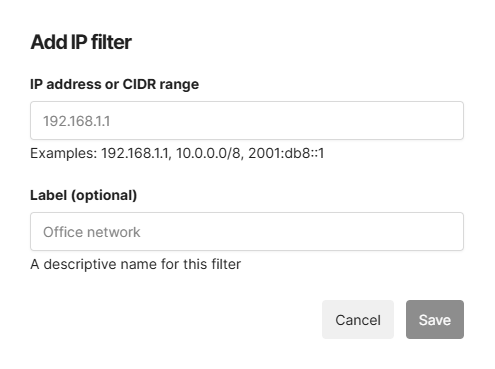
Fill out the form details and click the Save button.
Edit or Delete an IP filter
Navigate to IP filters and click on the Edit button or Delete button next to your IP filter.