Analytics for results-driven agencies
Manage every client from one dashboard. Onboard sites in minutes, build custom reports, and share insights with clients — all without the complexity.
Unlimited sites on Business and self-hosted plans — track every client site and subdomain from one place.
Create teams for each client with role-based access. Keep data separated and secure.
Let clients view their analytics via a unique URL — no login or setup needed.
Schedule automated email summaries to clients with the metrics that matter to them.
Umami uses no cookies. Simplify compliance for every client site you manage.
Use your own domain for a branded analytics experience on Cloud or self-hosted.
Build reports tailored to each client's KPIs. Export data or share a link.
Pull data into your own tools, automate reporting, or integrate with client dashboards.
Manage all clients from one dashboard
Add every client site and organize them by client. Switch between properties instantly and see real-time traffic, events, and conversions for every client from a single login.
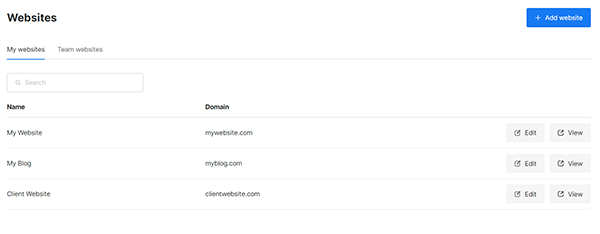
Onboard new clients in minutes
Install Umami by adding a single script tag to the client's site. No tag managers, data streams, or lengthy configuration. Start collecting data immediately and show results from day one.
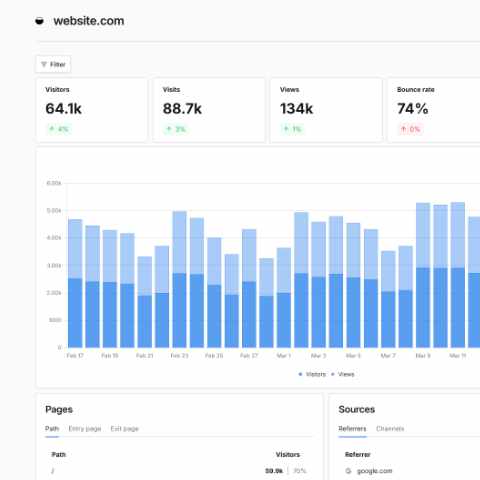
Build custom reports for each client
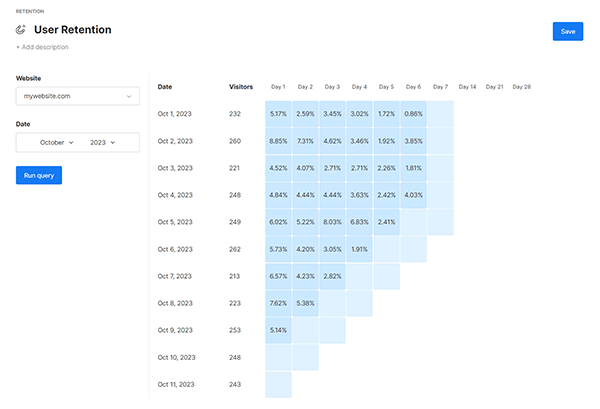
Create tailored reports that highlight the metrics each client cares about. Combine traffic data, conversion events, UTM performance, and revenue into focused views that make monthly reporting effortless.
Share analytics without sharing logins
Generate unique share links so clients can view their analytics in any browser — no login required. Or invite clients as team members with scoped permissions so they only see their own data.
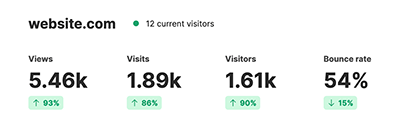
Prove campaign ROI with attribution
Track UTM parameters automatically, measure conversions with custom events, and use attribution to show clients exactly which campaigns and channels are driving results. Tie events to revenue for a complete picture.
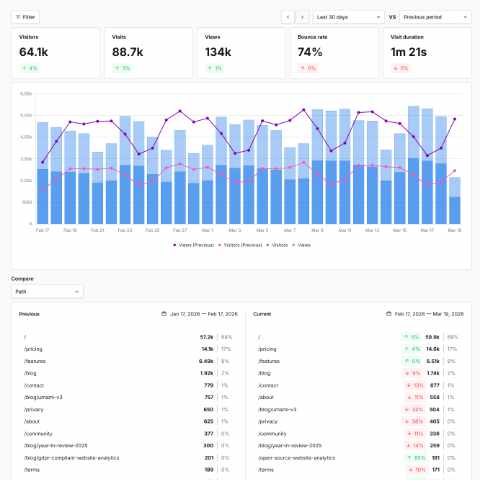
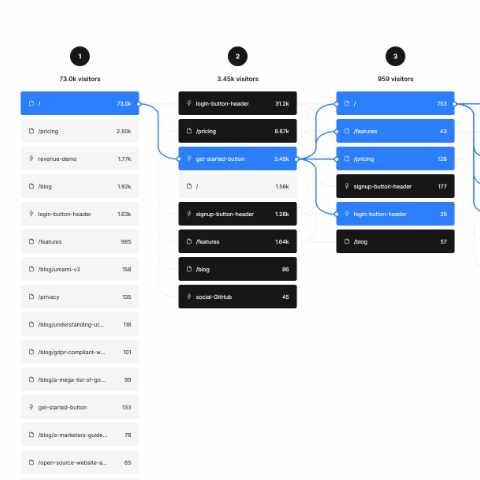
Identify drop-off with funnels and journeys
Build funnels to measure conversion rates at each step. Use user journeys to see how visitors navigate client sites. Watch session replays to diagnose UX issues. Deliver actionable recommendations backed by data.