How to Analyze Changes in Website Traffic
A practical method for comparing traffic across time periods, separating real changes from seasonality and measurement artifacts, and finding what actually caused a spike or a drop.
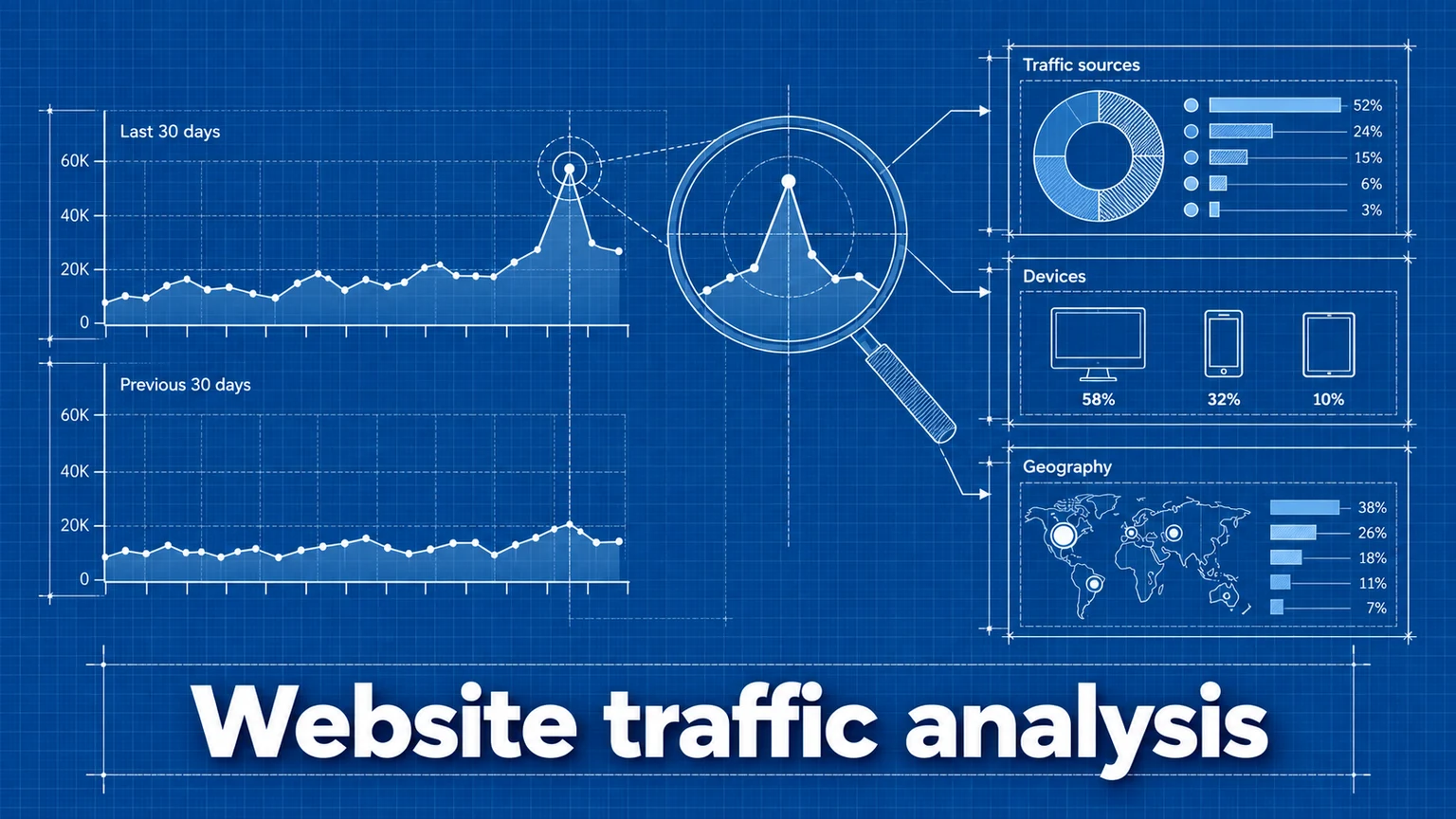
Traffic went up. Traffic went down. The number itself is the least interesting part — what matters is whether the change is real, what caused it, and whether it will continue. This guide gives you a repeatable method for answering those questions instead of reacting to every wiggle in the chart.
Choose a valid comparison period
Every "traffic changed" claim is really a comparison between two windows of time, and bad window choices create phantom changes:
- Compare like with like. Full weeks against full weeks, complete months against complete months. Comparing a 7-day window that contains a weekend against one that doesn't will show a "change" that's just day-of-week mix.
- Avoid partial periods. "This month vs. last month" on the 20th compares 20 days against 30. Percentage deltas from partial periods are noise.
- Match the window to the question. Week-over-week answers "did last week's launch work?" Month-over-month shows trend direction. Year-over-year answers "are we growing?" while controlling for seasonality.
Seasonality
Most sites have rhythms: B2B traffic sinks on weekends and in late December; retail spikes in November; education follows semesters. A month-over-month drop that recurs every year isn't a problem to fix — it's a pattern to expect. Year-over-year comparison is the standard control: December 2026 against December 2025, not against November 2026. If you have less than a year of history, note suspected seasonal effects rather than concluding around them.
Comparing periods in Umami
Umami's Compare insight overlays two periods directly:
- Select the date range to analyze (for example, Last 7 days).
- Open the Compare insight and choose:
- Previous period — the same-length window immediately before, or
- Previous year — the same dates one year earlier.
- Read the metric cards (percentage change per metric, with up/down indicators) and the overlaid graph of views and visitors across both periods.
Details are in the Compare documentation.
Rule out measurement changes first
Before explaining a change, verify it isn't an artifact of how you measure. The classic false alarms:
- Tracking script removed or broken by a redesign, a template change, or a tag-manager edit. Symptom: an abrupt, uniform collapse across every source and page.
- URL structure changes — a migration that moved
/blog/postto/articles/postmakes old pages "lose" all their traffic while new URLs start from zero. - New subdomains or missing templates — a section of the site that never got the script simply doesn't exist in your data.
- Bot filtering or blocker changes — shifts in how much automated or blocked traffic is excluded move numbers without any human behavior changing.
A useful habit: keep a shared changelog of site deployments, tracking changes, and marketing launches. Half of traffic forensics is just lining the chart up against that log.
Localize the change with breakdowns
A site-wide percentage hides the actual story. If visitors are up 30%, the increase is almost never uniform — it's concentrated somewhere. Use the Breakdown insight to find where:
| Break down by | Question it answers |
|---|---|
| Referrer | Which sources grew or shrank? |
| Path | Which pages gained or lost visitors? |
| Country | Is the change geographic? |
| Device | Is this a mobile or desktop story? |
| UTM source | Is a campaign responsible? |
The pattern of concentration usually identifies the cause class:
- One referrer → a link, mention, or algorithm change on that platform.
- One page → content performance: a post ranking, being shared, or slipping.
- One country, often with odd engagement metrics → possible bot traffic.
- Everything at once → either a measurement problem or something brand-level (press, an outage, a major campaign).
Where relevant, also compare new-versus-returning behavior: a spike of first-time, single-page visitors means reach; growth in returning visitors means retention. A retention report tells you whether spike visitors ever came back.
Attach the change to an event
With the change localized, match it against what happened in the world:
- Product launches and releases — expect spikes on launch content and referral surges from wherever the announcement spread.
- Campaign starts and stops — check UTM-tagged traffic; a "mysterious" drop is often just a paused ad campaign. See campaign tracking.
- Outages — site downtime creates a gap, but so does downtime of a major referrer.
- Search-ranking movement — gradual rises or slides concentrated in organic-search referrers and specific pages.
- Tracking changes — from your changelog, per the section above.
Worked example: investigating a traffic spike
A SaaS marketing site sees visitors up 42% this week versus last week. The analysis:
- Compare confirms the increase is concentrated on three days, Tuesday–Thursday.
- Breakdown by referrer shows the growth comes almost entirely from one aggregator site; other sources are flat.
- Breakdown by path shows the traffic landed on a single blog post, not the homepage or product pages.
- Conversion check: signups (tracked as a
signupgoal) rose only 4%. The spike audience read one post and left — reach, not demand. - Conclusion for the team: the post resonated on that platform; syndicate similar content there, but don't revise the traffic forecast or credit the spike to product interest. Next week's "42% drop" is already explained.
Note what step 4 adds: pairing traffic analysis with conversion tracking is what separates "we got visitors" from "it mattered."
Common mistakes
- Explaining noise. Constructing a narrative for every daily wiggle, especially on low-traffic sites where percentages swing wildly. Consequence: constant false alarms and strategy whiplash. Remedy: judge changes against your site's normal variation, and analyze weeks rather than days.
- Comparing invalid windows. Partial months, mismatched weekday mixes, or holiday weeks against normal weeks. Consequence: phantom changes that vanish when the window closes. Remedy: complete, like-for-like periods; year-over-year when seasonality is plausible.
- Stopping at the site-wide number. Reporting "traffic up 20%" without localizing it. Consequence: the wrong team takes credit, and a one-off referral spike gets baked into forecasts. Remedy: always break down by referrer and path before reporting.
- Confusing measurement changes with audience changes. A redesign drops the tracker from half the templates and the ensuing "traffic crisis" consumes a quarter's roadmap. Consequence: real cause unfixed, fake cause "solved." Remedy: rule out tracking artifacts first, every time.
Frequently asked questions
My traffic dropped suddenly. What should I check first?
Check whether the drop is real before investigating why it happened. Verify the tracking script is still present and firing on all page templates, confirm no site deployment or URL change coincided with the drop, and see whether the drop is uniform across sources and pages or concentrated in one segment. A uniform, instant drop to a fraction of normal usually indicates a measurement problem, not an audience change.
Should I compare week-over-week or year-over-year?
Use week-over-week to monitor recent actions and month-over-month for trend direction, but use year-over-year whenever seasonality is plausible — it compares against the same seasonal conditions. Ideally look at both; a metric can be up week-over-week and still be far below last year.
How much traffic fluctuation is normal?
Day-to-day swings are normal for every site, and the smaller your traffic, the larger the percentage swings. Judge changes against your own historical variation — if weekly visitors typically vary by 10%, a 12% change is noise, not news.
Umami is an open-source web and product analytics platform. Set up tracking in minutes and measure traffic, events, funnels, and retention without cookies.
Related documentation
Related guides

How to Measure Marketing Campaign Performance
Learn how to track marketing campaigns end to end — from UTM parameters and conversion events to reading the results — so you can prove which channels actually drive outcomes.

Marketing Attribution: First Click, Last Click, and Traffic Sources
How attribution models assign credit for conversions, what referrer and UTM data can and cannot tell you, and how to read attribution reports without fooling yourself.
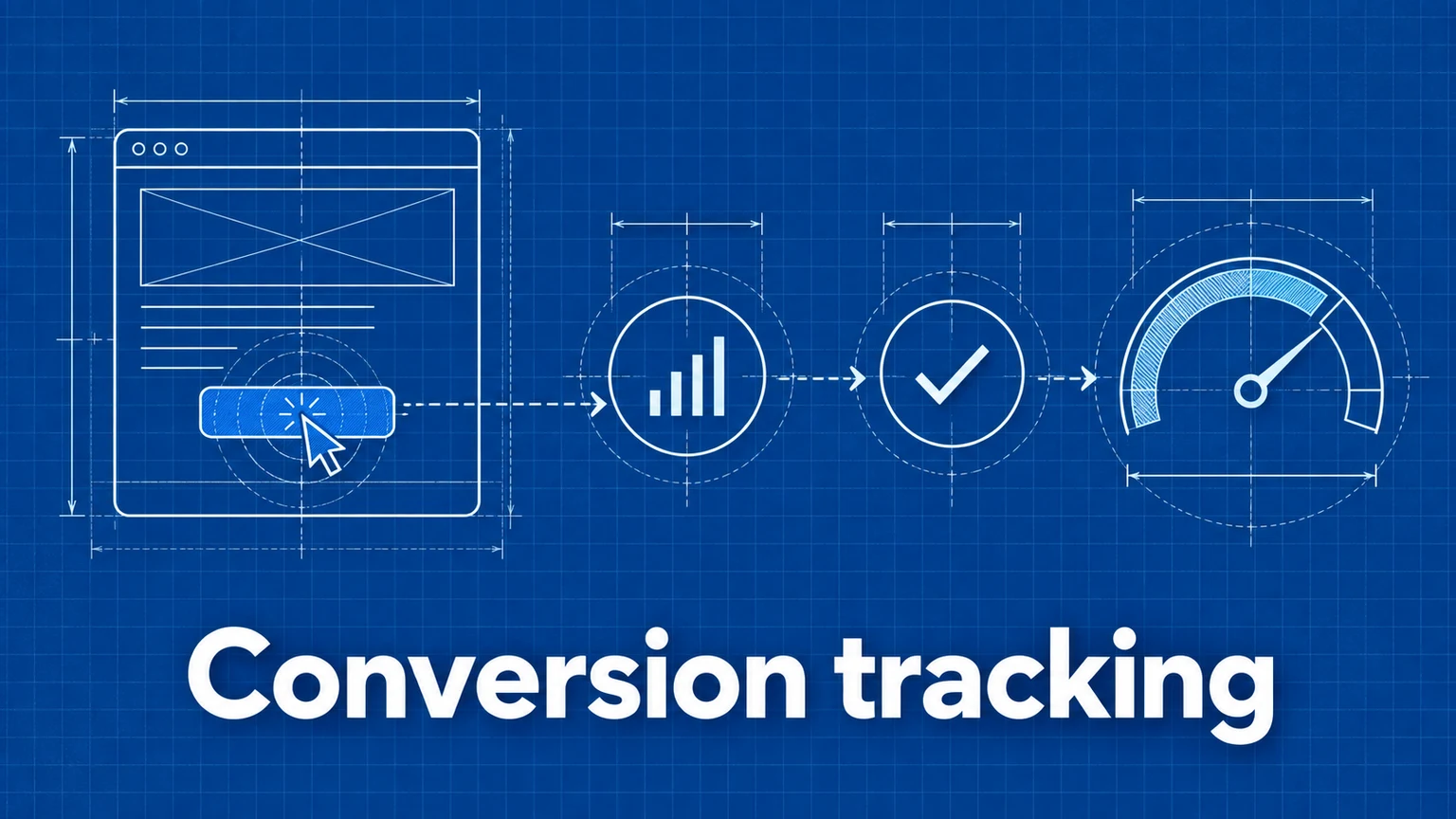
A Practical Guide to Website Conversion Tracking
How to define conversions, choose between page-based and event-based tracking, name events well, and calculate conversion rates you can trust.