A Practical Guide to Website Conversion Tracking
How to define conversions, choose between page-based and event-based tracking, name events well, and calculate conversion rates you can trust.
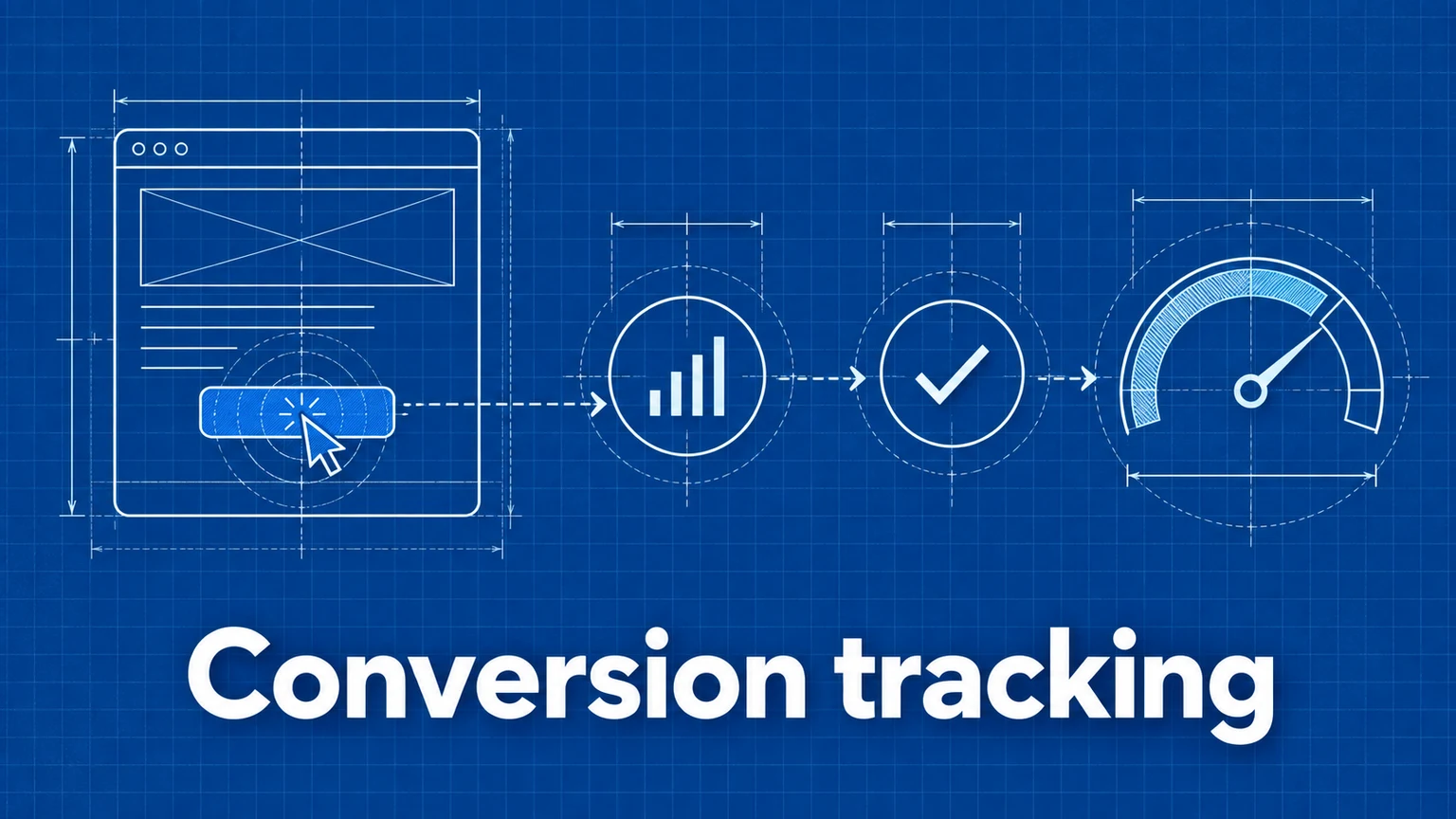
Conversion tracking is the practice of measuring the actions that matter on your website — not just visits, but the signups, purchases, and inquiries those visits produce. Without it, analytics can tell you how busy your site is, but not whether it's working.
This guide covers how to define conversions, implement tracking for them, avoid the classic counting errors, and calculate rates you can actually compare over time.
Macro and micro conversions
Not all conversions carry the same weight. It helps to separate them into two tiers:
- Macro conversions are the primary outcomes your site exists to produce: a completed purchase, a subscription, a qualified lead.
- Micro conversions are smaller steps that indicate progress toward a macro conversion: viewing the pricing page, adding to cart, starting a trial, subscribing to a newsletter.
Track both. Macro conversions tell you whether the site succeeds; micro conversions tell you where it succeeds or stalls, and they give lower-traffic sites enough data volume to detect changes. A site with 10 purchases a week can't A/B test against purchases, but it may see 400 pricing-page visits a week.
Page-based versus event-based conversions
There are two mechanical ways to record a conversion:
Page-based: the conversion is defined as a visit to a specific URL, typically a confirmation or thank-you page (/thank-you, /order-complete). Analytics tools record page views automatically, so no extra code is needed. In Umami, you create a Goal of type "Viewed page" pointing at the URL.
Event-based: the conversion is a tracked action — a button click, a submitted form, a completed checkout in a single-page app. This requires instrumenting the action:
<button data-umami-event="signup" data-umami-event-plan="free">
  Create Account
</button>
umami.track('checkout-complete', { revenue: 49.99, currency: 'USD' });
Prefer page-based tracking when a unique URL exists, because it can't fire without the outcome actually happening. Prefer event-based tracking when there's no dedicated URL, or when you need properties attached (plan, value, form name).
Event naming conventions
Event names become the vocabulary of your reports, so design them deliberately:
- One stable name per action:
signup,checkout-complete,file-download. Don't createsignup-homepageandsignup-pricing— the location belongs in a property or is already captured by the page URL. - Use a consistent format: pick kebab-case or snake_case and stay with it.
checkout-completeandcheckout_completeare different events. - Name the action, not the campaign: campaigns change weekly; event names should survive for years.
- Put variability in properties:
umami.track('signup', { plan: 'pro' })lets you break down one event by plan instead of maintaining three event names.
Revenue properties
For purchase conversions, attach the value to the event so reports can sum revenue rather than just count conversions:
umami.track('checkout-complete', { revenue: 49.99, currency: 'USD' });
Counting conversions treats a $9 order and a $900 order identically; revenue properties let you evaluate campaigns and pages on the money they produce. See the revenue documentation for the exact property names Umami recognizes.
Choosing the denominator
A conversion rate is conversions divided by something — and the "something" changes the meaning entirely:
| Denominator | Question it answers |
|---|---|
| All visitors | How effective is the site overall? |
| Visitors to the flow's entry page | How effective is this specific journey? |
| Visitors from one campaign | How effective is this traffic source? |
None of these is wrong, but mixing them is. If your signup rate is "signups ÷ all visitors" one month and "signups ÷ pricing-page visitors" the next, the trend line is meaningless. Document the denominator alongside every rate you report, and keep it constant when comparing periods.
Be especially careful when traffic mix shifts: a viral blog post can halve your site-wide conversion rate while actual signups grow, simply because the denominator ballooned with low-intent readers. Segmenting by traffic source (see marketing attribution) resolves this.
Preventing duplicate counting
Duplicate events silently inflate your numbers. The usual causes:
- Tracking the click instead of the outcome: a user clicks "Submit" three times on a slow form; the click fires three times, the submission happened once. Where possible, fire the event on success (server response, confirmation render), not on the click.
- Event firing on page refresh: if a conversion event runs on the thank-you page's load, a refresh double-counts. Page-based goals handle this better; if you must fire an event, guard it with a flag in session storage.
- Multiple tracking snippets: a site that loads the analytics script twice (for example once in a template and once in a tag manager) sends everything twice.
Setting up goals in Umami
Once events are flowing, define the conversion in the product so you get a conversion rate rather than a raw event count:
- Open your website in Umami and go to the Goals insight.
- Click Add Goal.
- Choose Viewed page or Triggered event and enter the value (
/thank-youorsignup). - Save and run the insight.
The Goal insight reports the percentage of visitors who performed the action within the selected date range. The exact interface steps are covered in the Goals documentation.
Testing and validation
Verify tracking before you rely on it:
- Trigger the conversion yourself on the live site (or a staging site with its own website ID).
- Confirm the event appears in your dashboard's Events view with the expected properties.
- Perform the action once and confirm exactly one event is recorded.
- Repeat on a mobile device — client-side tracking bugs are often platform-specific.
- After launch, compare the first week's conversion count against a source of truth (orders in your commerce backend, rows in your CRM). Small gaps from blockers are normal; large gaps mean a bug.
Worked examples by business type
- SaaS: macro =
trial-startandsubscription-created(withplanandrevenueproperties); micro = pricing page view,demo-request. Watch trial starts by traffic source, and trial→paid rate over time. - Ecommerce: macro =
checkout-completewith revenue; micro =add-to-cart, checkout page view. The gap between add-to-cart and purchase is your funnel to optimize — see conversion funnels. - Content site: macro =
newsletter-signup; micro = reaching an article's end (a scroll-triggered event), visiting three or more pages. Watch signup rate per article to find which content earns subscribers. - Lead generation: macro =
form-submiton the contact form (with aformproperty); micro = viewing the services or case-study pages. Compare form submissions per source to qualify marketing spend.
Common mistakes
- Tracking everything, defining nothing. Twenty events but no designated conversions means reports full of counts and no answer to "is it working?" Remedy: pick one macro conversion first, then add micro conversions that lead to it.
- Changing event names mid-stream. Renaming
signuptosign_upsplits your history and breaks every saved report and goal. Remedy: treat event names as an API; if you must rename, note the date and expect a discontinuity. - Comparing rates with different denominators. A "conversion rate" that quietly switches from flow-specific to site-wide will fabricate a collapse or a triumph. Remedy: write the denominator next to the number, every time.
- Firing conversions on clicks that can repeat. Double-submits and refreshes inflate results by a few percent — enough to reverse an A/B test conclusion. Remedy: fire on success, or dedupe.
Frequently asked questions
What counts as a conversion?
Any action a visitor takes that has value to your business — a purchase, a signup, a form submission, a download, or even reaching a key page. You define it. The important part is that it is specific, measurable, and tied to an outcome you care about.
What is a good conversion rate?
It depends entirely on the action, the traffic source, and the industry. A purchase conversion rate and a newsletter signup rate are not comparable, and neither is comparable across sites. Benchmark against your own history, segmented by traffic source, rather than against published averages.
Should I track conversions as page views or events?
Use page views when the action reliably ends on a unique URL, such as a thank-you page. Use events when there is no unique URL — single-page flows, button clicks, or actions that happen without navigation. Many sites use both.
Umami is an open-source web and product analytics platform. Set up tracking in minutes and measure traffic, events, funnels, and retention without cookies.
Related documentation
Related guides

How to Build and Analyze a Conversion Funnel
How to design funnel steps, set time windows, interpret drop-off rates, and turn funnel data into changes worth testing.
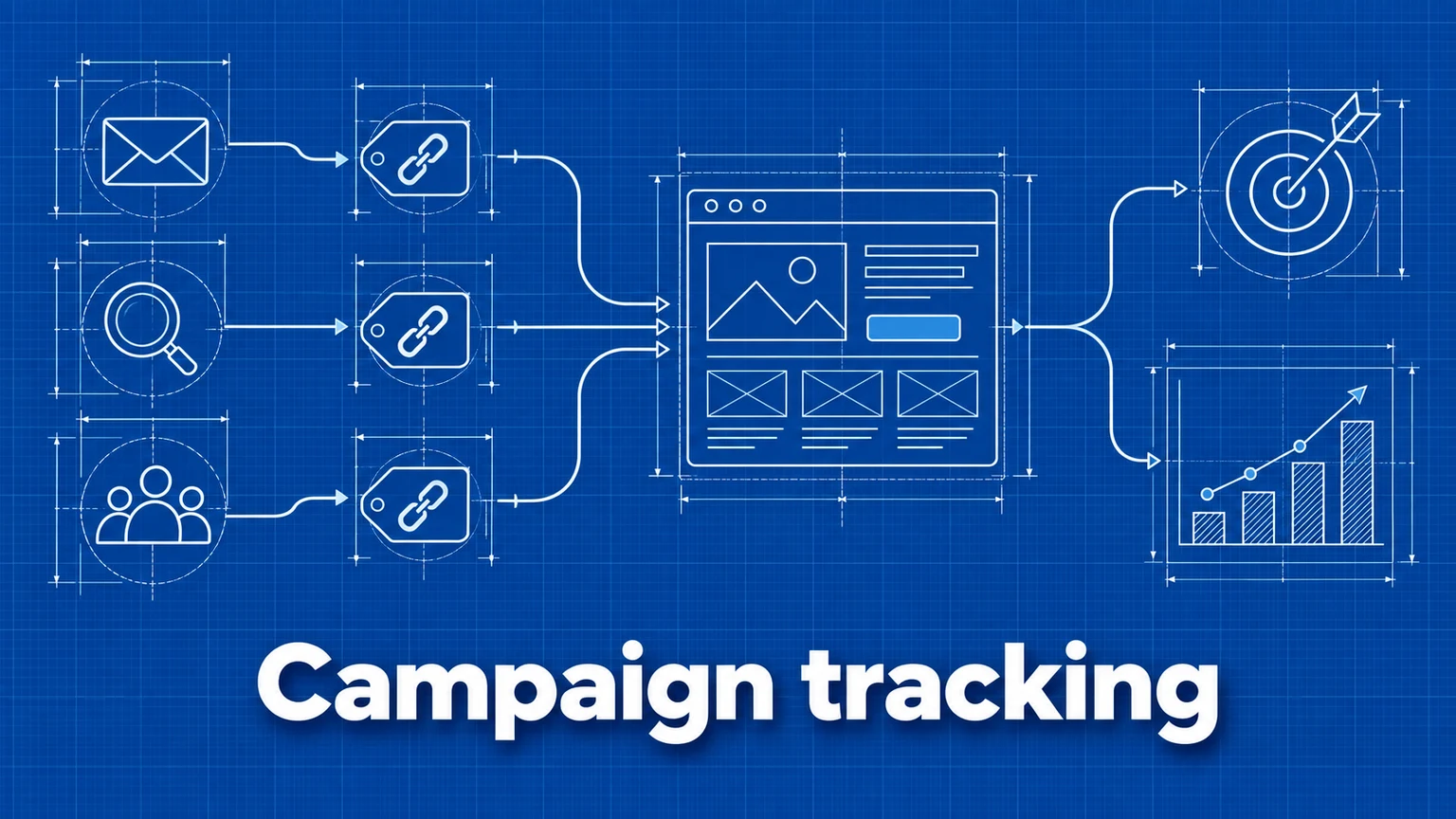
How to Measure Marketing Campaign Performance
Learn how to track marketing campaigns end to end — from UTM parameters and conversion events to reading the results — so you can prove which channels actually drive outcomes.
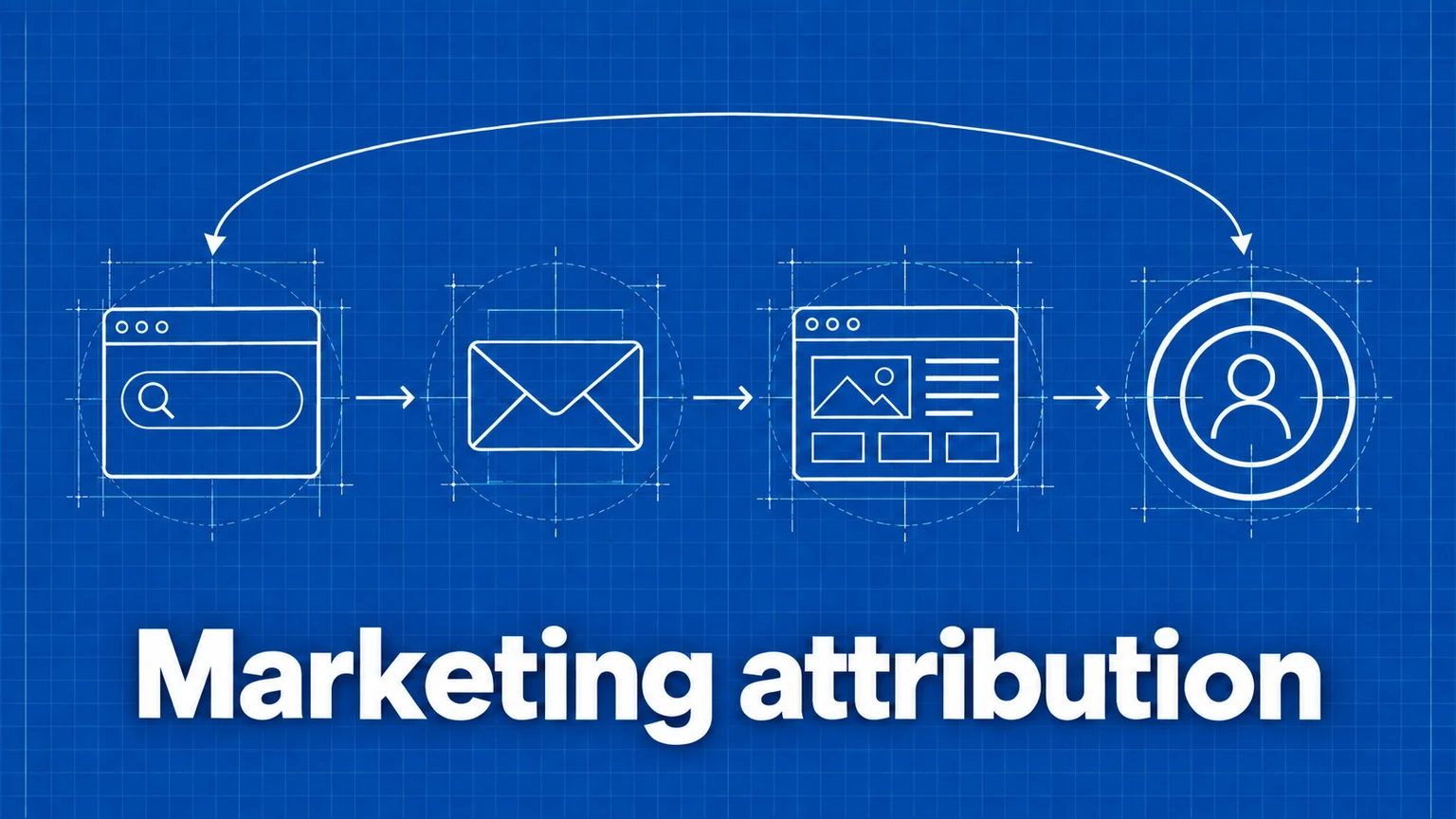
Marketing Attribution: First Click, Last Click, and Traffic Sources
How attribution models assign credit for conversions, what referrer and UTM data can and cannot tell you, and how to read attribution reports without fooling yourself.

Event Tracking Best Practices: Names, Properties, and Data Quality
Design useful website events, choose consistent names and properties, verify that they fire correctly, and keep your analytics free of sensitive data.