Event Tracking Best Practices: Names, Properties, and Data Quality
Design useful website events, choose consistent names and properties, verify that they fire correctly, and keep your analytics free of sensitive data.
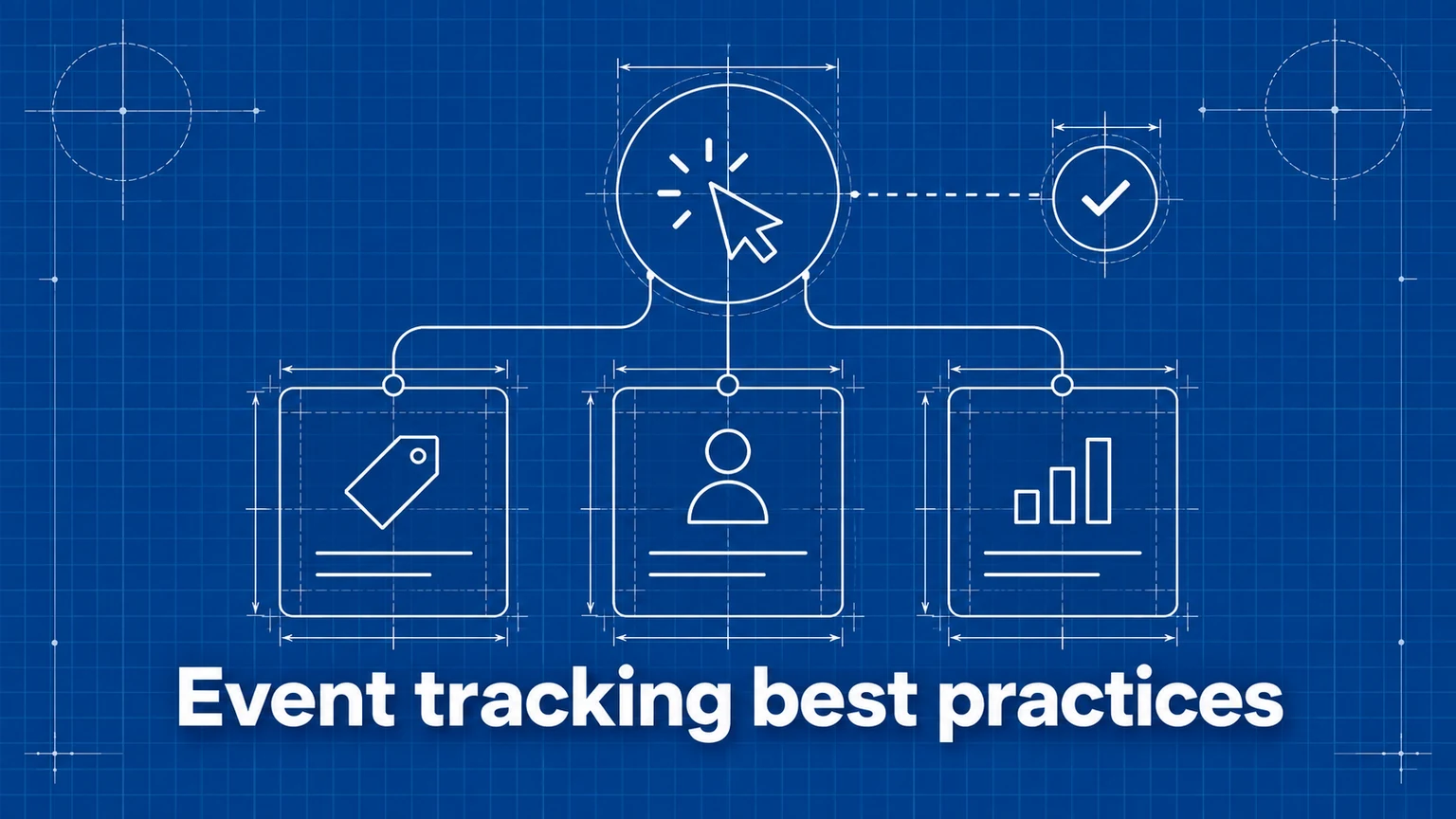
Page views show where visitors went. Events show what they did there: started a form, downloaded a file, added a product to a cart, or completed a signup. The value of those events depends on their design. A collection of inconsistent clicks is hard to use even when every event fires correctly.
This guide shows how to choose events, name them, attach useful properties, and check the data before using it for decisions. For specific conversion metrics, see conversion tracking.
Start with a question and an action
Before adding an event, write down the question it should answer. “Where do signups fail?” needs a small set of milestones: signup-start, signup-submit, and signup-complete. “Which download gets used?” needs file-download with a file property. A click with no decision attached to it usually does not need tracking.
Choose the moment carefully. A button click measures intent; a success event measures outcome. If validation or a payment provider can reject the action, do not call the click a completed conversion. Track both moments when the gap is useful. For example, form tracking uses starts and successful submissions to expose abandonment.
Keep a compact event plan before implementation:
| Question | Event | Fires when | Useful properties |
|---|---|---|---|
| Which signup entry points work? | signup-click | Visitor clicks a signup CTA | placement, variant |
| How many signups succeed? | signup-complete | Account creation succeeds | plan |
| Which files get downloaded? | file-download | Visitor clicks a file link | file, section |
The “fires when” column prevents two developers from using the same name for different moments.
Use stable names and properties
Pick one naming convention and use it everywhere. Short, lowercase action names such as add-to-cart and signup-complete are easy to scan. Umami limits event names to 50 characters, so put changing context in properties rather than the name.
For example, use signup-click with placement: 'header' and placement: 'footer' instead of creating header-signup-click and footer-signup-click. Both placements then remain one event that can be broken down by property. Use separate event names when the meaning changes: signup-click is not the same outcome as signup-complete.
Keep property keys and values consistent too. placement: 'header', location: 'nav', and position: 'top' should not describe the same thing in three implementations. Prefer a small set of agreed values that readers can interpret without looking at the code.
Avoid unbounded values such as raw search queries, full URLs with query strings, or unique customer IDs. They produce noisy reports and may expose personal data. Use categories or stable content identifiers where the analysis needs them.
Choose the right tracking method
For a simple click, Umami's data attributes keep tracking close to the element:
<a
  href="/signup"
  data-umami-event="signup-click"
  data-umami-event-placement="header"
>
  Sign up
</a>
Values passed through data attributes are stored as strings. For an action that should fire after application logic succeeds, call the tracker at that point:
// After your signup request has succeeded:
umami.track('signup-complete', { plan: 'starter' });
The JavaScript method also supports typed event data, including numbers and booleans. Umami's event tracking, event data, and tracker functions documentation cover the supported forms and limits.
Do not attach a click attribute and call umami.track() for the same action unless you deliberately want two records. Otherwise one visitor action becomes two events.
Check data quality before reporting
Test the event on the actual page and confirm it appears in Umami's Events view. Check its properties there as well. Then try the important edge cases: validation failure, double click, navigation, retry, and success. A successful conversion should fire once when the outcome succeeds and not fire when it fails.
Review the event list after a release. Near-duplicates such as sign-up, signup, and Signup often mean an undocumented naming change. Missing property values can mean one component skipped the agreed plan. Record the event name, trigger, owner, and allowed properties in a shared tracking plan so future changes remain compatible with historical reports.
For high-value events, compare analytics totals with the system that records the outcome, such as confirmed signups or completed orders. They will not always match exactly, but a large or sudden gap deserves investigation before anyone uses the event in a funnel or goal report.
Protect visitor privacy
Event data should explain an action, not reproduce a person's input. Do not send email addresses, names, message text, payment details, authentication tokens, or full query strings as properties. A form's identity, a selected plan, or a page section is usually enough. Review any dynamically generated property before shipping it; a harmless-looking variable may contain user input later.
Common mistakes
- Tracking every click. Reports fill with low-value actions and hide the few milestones that matter. Start with questions and decisions, then add the events needed to answer them.
- Using a click as a completed outcome. Failed submissions inflate conversion counts. Fire a separate completion event only after success.
- Encoding every variant in the name. Dozens of names fragment one action. Keep the action name stable and use properties for placement, plan, or variant.
- Changing names without a plan. A renamed event splits historical trends. Document the schema and review changes before deployment.
- Sending visitor input as context. Free-text properties can contain personal data. Limit event data to approved, non-sensitive values.
Frequently asked questions
What should I track as an event instead of a page view?
Track meaningful actions that a page view cannot describe, such as a successful signup, a file download, or an add-to-cart action. Let page views describe navigation; avoid adding a custom event for every ordinary click.
Should every button have its own event name?
No. Use one stable name for the same action and properties to distinguish its location or variant. For example, use signup-click with a placement property for buttons in the header and footer. Give different outcomes, such as signup-click and signup-complete, different names.
Can I send names, email addresses, or form answers as event properties?
Avoid sending personal or sensitive data to analytics. Record the action and non-sensitive context, such as form name or plan, without copying what a visitor typed.
Umami is an open-source web and product analytics platform. Set up tracking in minutes and measure traffic, events, funnels, and retention without cookies.
Related documentation
Related guides
A Practical Guide to Website Conversion Tracking
How to define conversions, choose between page-based and event-based tracking, name events well, and calculate conversion rates you can trust.
Form Tracking: How to Measure Form Submissions and Drop-Off
How to measure form starts, submissions, and abandonment — including multi-step flows — and how to use that data to fix the forms that lose you leads.
How to Analyze User Journeys on Your Website
Use page and event paths to find common routes, detours, exits, and unexpected paths to conversion, then turn those patterns into testable improvements.