How to Track File Downloads on Your Website
Why download tracking needs custom events, how to design the event and its properties, and how to turn download data into content and lead-generation decisions.
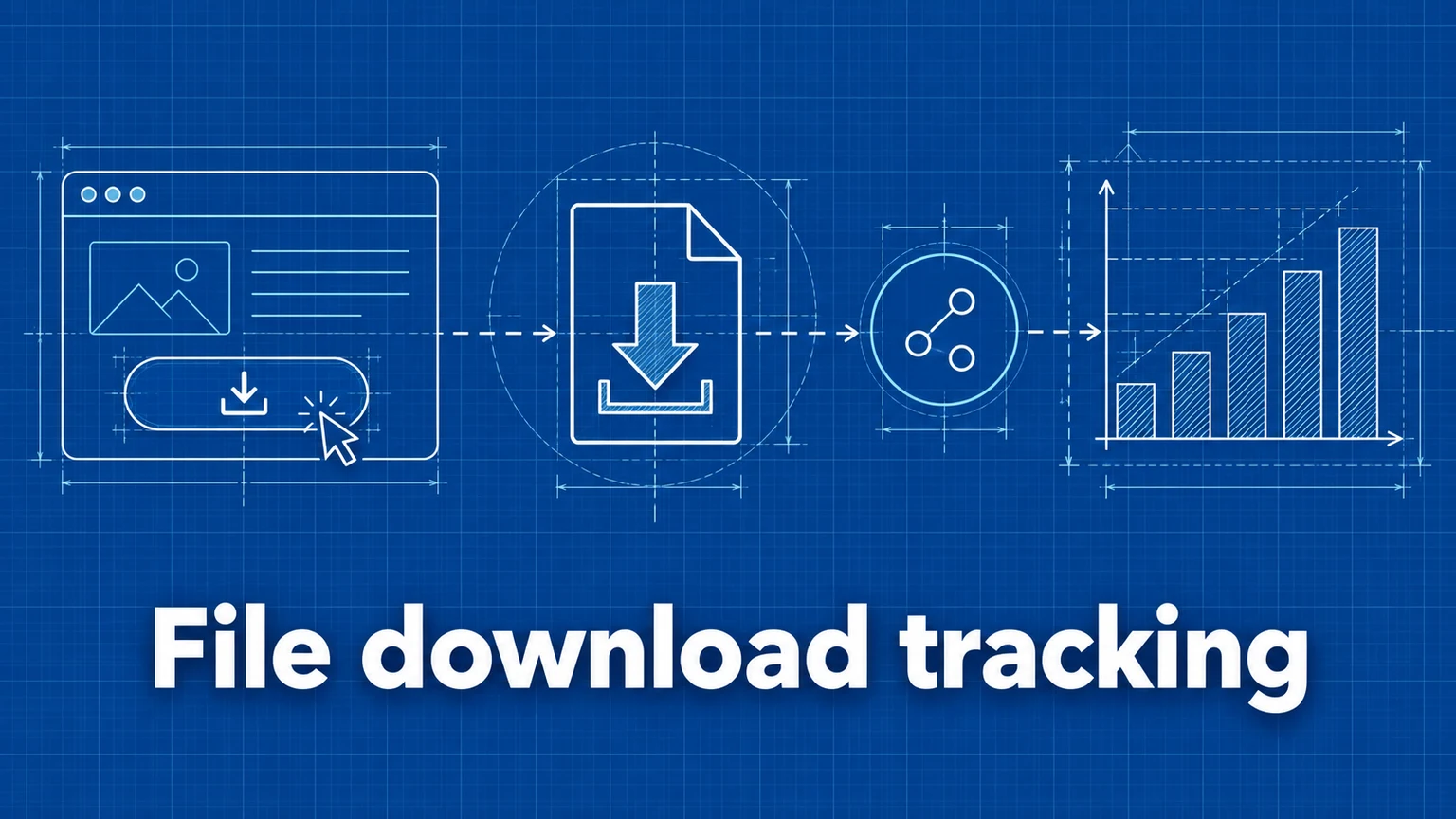
Downloads are one of the clearest intent signals a website produces: someone valued your whitepaper, price list, or app enough to take a copy. They're also invisible by default — analytics scripts run on pages, and a PDF isn't a page. If you don't track the click, the download never happened as far as your data is concerned.
This guide covers why download measurement matters, how to design the tracking, and how to read the results.
Why track downloads
- Content evaluation — which resources actually get used, so you invest in the formats and topics that earn downloads rather than the ones that are pleasant to produce.
- Lead-intent signals — for B2B sites, a spec-sheet or case-study download marks a visitor much deeper in consideration than a page view does.
- Conversion measurement — where the download is the goal (software releases, media kits, gated resources), it belongs in your conversion tracking as a first-class conversion.
- Campaign evaluation — combined with campaign tracking, you can see which channels produce downloaders rather than mere visitors.
Metrics to collect
The useful measures are mostly ratios, not raw counts:
- Downloads per file — the popularity ranking.
- Download rate — downloads ÷ views of the hosting page. A file with 40 downloads from 80 page views (50%) is outperforming one with 100 downloads from 5,000 views (2%), despite the smaller count.
- Downloads by source or campaign — which channels send people who download.
- Downstream behavior — what downloaders do next: sign up, contact, return.
Designing the event
The event model matters more than the code. The pattern that keeps data usable:
One event name, filename as a property.
<a
  href="/files/report.pdf"
  data-umami-event="file-download"
  data-umami-event-file="report.pdf"
>
  Download Report (PDF)
</a>
Every download click records a file-download event carrying a file property. In reports, the single event name gives you total downloads at a glance, and the property breakdown ranks individual files. The anti-pattern — download-report-pdf, download-pricing-xlsx, one event per file — floods your event list and makes "total downloads" impossible to read.
Worth adding as extra properties where relevant: file type (pdf, zip), and the content grouping (whitepaper, changelog) if filenames alone won't support the analysis you want.
Automating coverage
Hand-tagging every link breaks down on sites with many documents — and the file someone forgot to tag is precisely the one whose numbers you'll be asked about. A small script can find every link to a downloadable extension and add the tracking attributes automatically at page load; the ready-to-paste version, along with the JavaScript umami.track alternative for custom flows, is in the implementation docs.
One honest caveat of click-based tracking, manual or automated: it counts initiated downloads. A user who cancels a large download mid-transfer still counted. For most decisions this distinction is irrelevant, but don't present click counts as completed transfers.
Reading the data in Umami
Once events flow, the analysis lives in two places:
- Events view — total
file-downloadcounts over time, alongside your other events. - Event data / property breakdown — the
fileproperty ranked by count: your download leaderboard.
From there:
- Compute download rate by pairing each file's count with its hosting page's views.
- Filter by UTM source or referrer to see which channels produce downloaders.
- Create a Goal on the
file-downloadevent to track download rate as a conversion over time.
Worked example: an agency's lead magnets
A consulting agency hosts four gated-adjacent resources and tracks them with file-download plus a file property. After a month:
| File | Downloads | Hosting-page views | Download rate |
|---|---|---|---|
seo-checklist.pdf | 310 | 2,900 | 10.7% |
pricing-guide.pdf | 95 | 480 | 19.8% |
case-study-retail.pdf | 88 | 1,750 | 5.0% |
agency-onboarding.zip | 12 | 610 | 2.0% |
Reading it: the checklist wins on volume, but the pricing guide has double its download rate from a fraction of the traffic — high-intent content that deserves more internal links and campaign traffic. The retail case study underperforms its traffic; the page may bury the download link (check the page, not just the number). The onboarding kit earns neither traffic nor rate and is a candidate for retirement. Filtering by source shows the newsletter drives most pricing-guide downloads — evidence for the next campaign plan, and for treating that download as a micro-conversion in the funnel toward contact-form submissions.
Common mistakes
- A separate event name per file.
download-whitepaper-v2-finaland its forty siblings make aggregate questions unanswerable. Consequence: no total download number, breakdowns useless. Remedy: onefile-downloadevent, filename in a property. - Counting downloads without page context. Raw counts crown whichever file sits on the highest-traffic page. Consequence: content decisions reward placement, not appeal. Remedy: always compute rate against the hosting page's views.
- Coverage gaps. Tracking the resources page but not the links embedded in blog posts, emails' landing pages, or the footer. Consequence: undercounts that skew per-file comparisons unpredictably. Remedy: automated attribute injection, verified by clicking a few links on each template.
- Double-counting multi-click behavior. Users click again when a download seems slow. Consequence: modest inflation concentrated on the largest files — exactly the ones you'll misjudge. Remedy: accept it for trend data, note it when precision matters, and never compare click counts against server logs without expecting a gap.
Frequently asked questions
Why doesn't my analytics show file downloads automatically?
Web analytics scripts run on HTML pages. A PDF or ZIP file is not a page — no script executes when it is served — so the download leaves no trace unless the click that initiated it is tracked as an event.
Should each file have its own event name?
No. Use one event name (such as file-download) for all downloads and put the filename in an event property. One name keeps all downloads countable as a group, while the property still lets you break down by individual file.
Can I track downloads served from a CDN or another domain?
Yes. The event fires on the click, on your page, before the browser ever contacts the file's host. Where the file is served from doesn't matter.
Umami is an open-source web and product analytics platform. Set up tracking in minutes and measure traffic, events, funnels, and retention without cookies.
Related documentation
Related guides
Form Tracking: How to Measure Form Submissions and Drop-Off
How to measure form starts, submissions, and abandonment — including multi-step flows — and how to use that data to fix the forms that lose you leads.
A Practical Guide to Website Conversion Tracking
How to define conversions, choose between page-based and event-based tracking, name events well, and calculate conversion rates you can trust.
How to Measure Marketing Campaign Performance
Learn how to track marketing campaigns end to end — from UTM parameters and conversion events to reading the results — so you can prove which channels actually drive outcomes.